Step 1
You will receive your login credentials in an email.
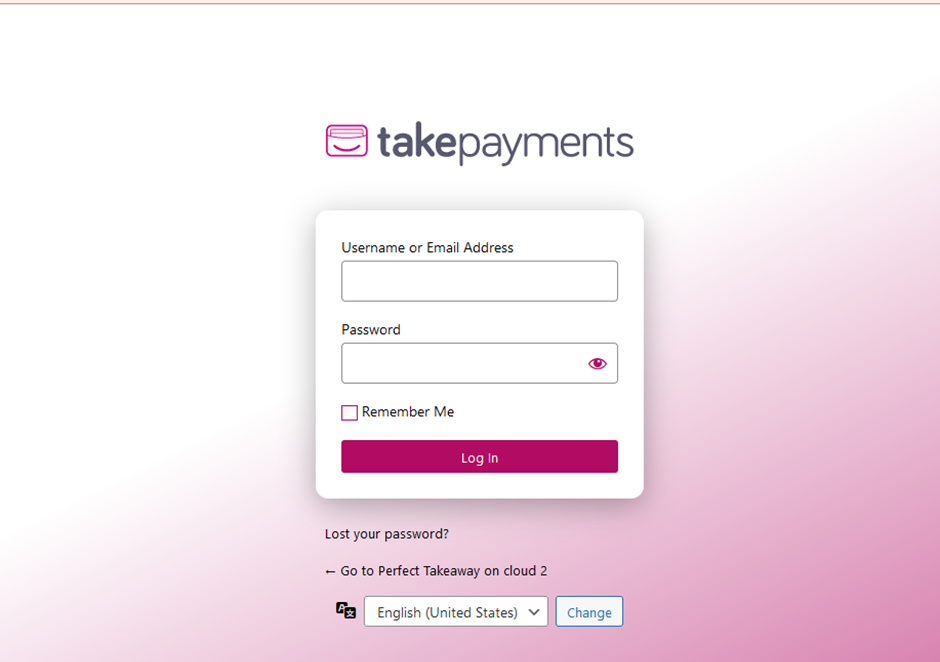
Step 2
You will have been provided with a Username and a Password when your website went live. Please check your email if you do not remember these.
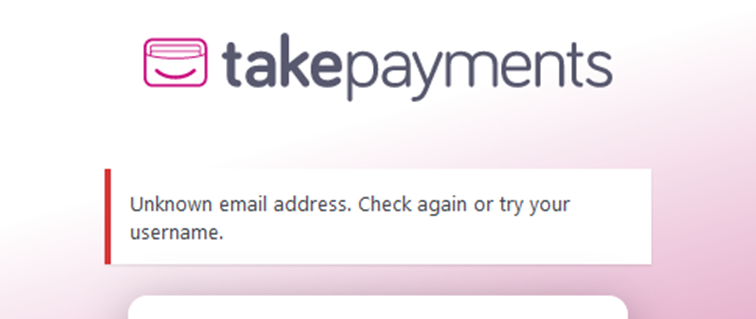
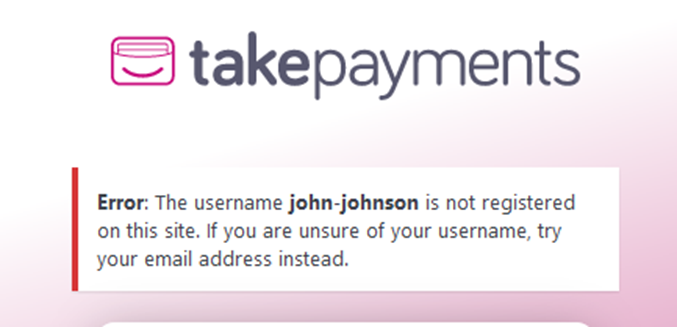
Important: if you encounter one of the following errors, your user account is not currently registered on the website. Please raise a support ticket.
Step 3
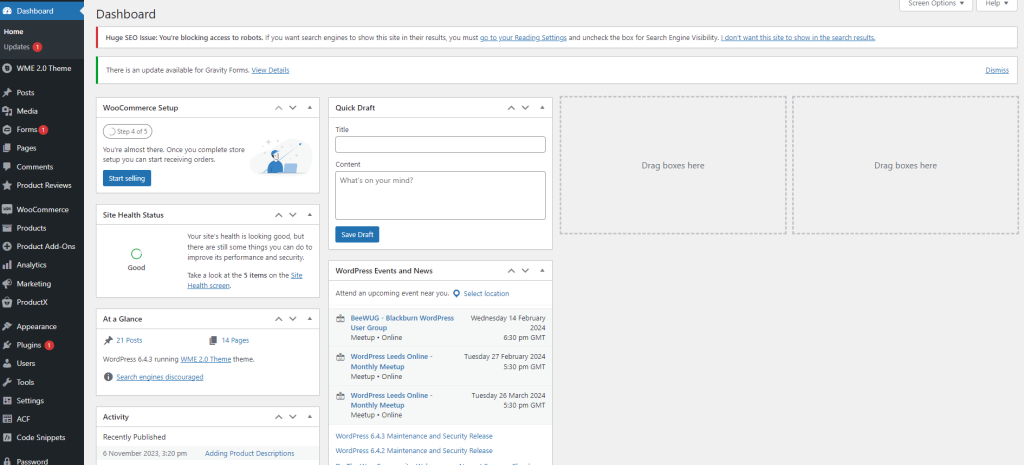
Once logged in, you will be presented with the Dashboard and ready to edit/manage your website.
That’s it! You’re all set.