Step 1
To begin, create a new product, or edit one that you already have.
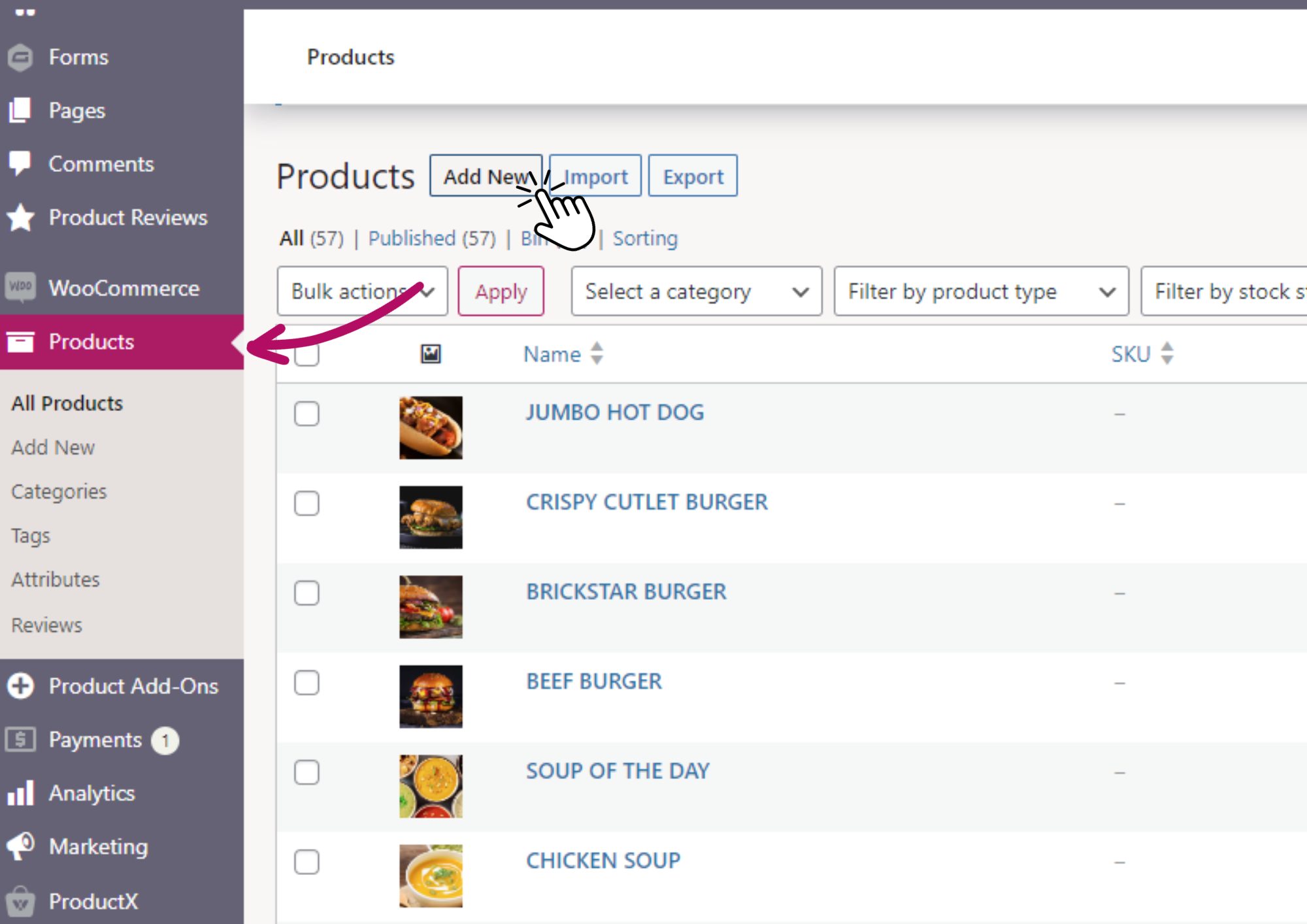
To do this, head to “Products” and click the “Add New” button (or click on a product that you have already created).
(For a more information on creating new products, check out THIS helpful step by step guide).
Step 2
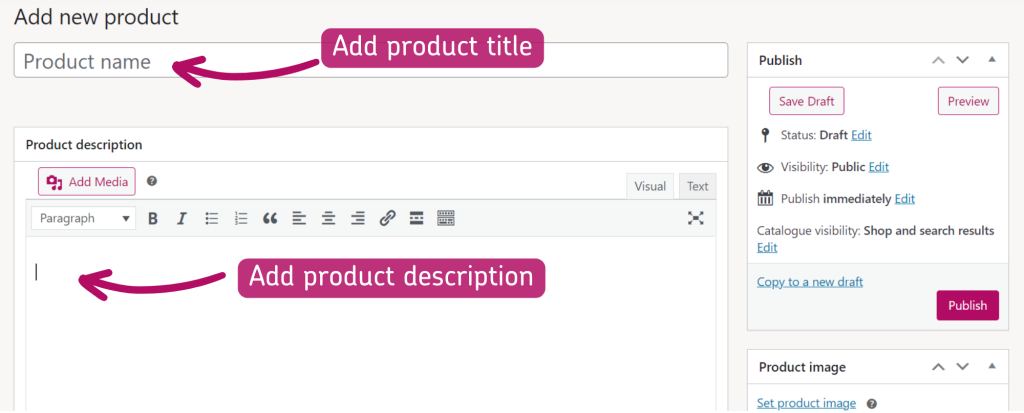
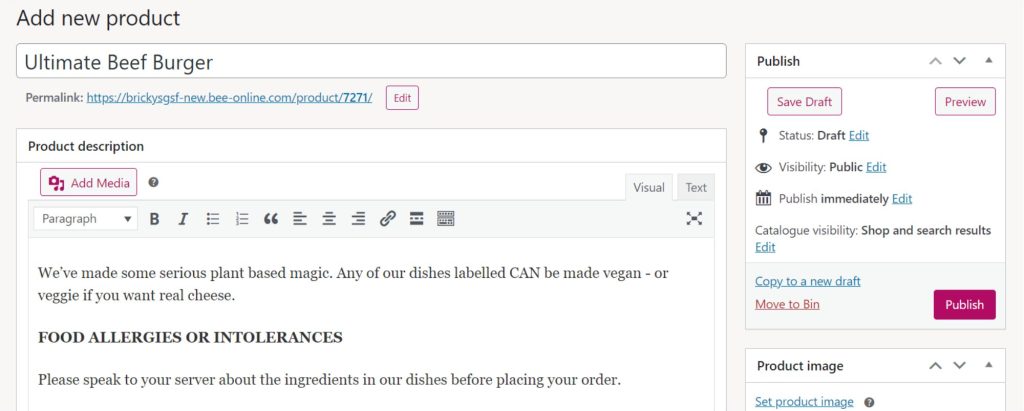
Start by adding a title to your product in the “Product name” field.
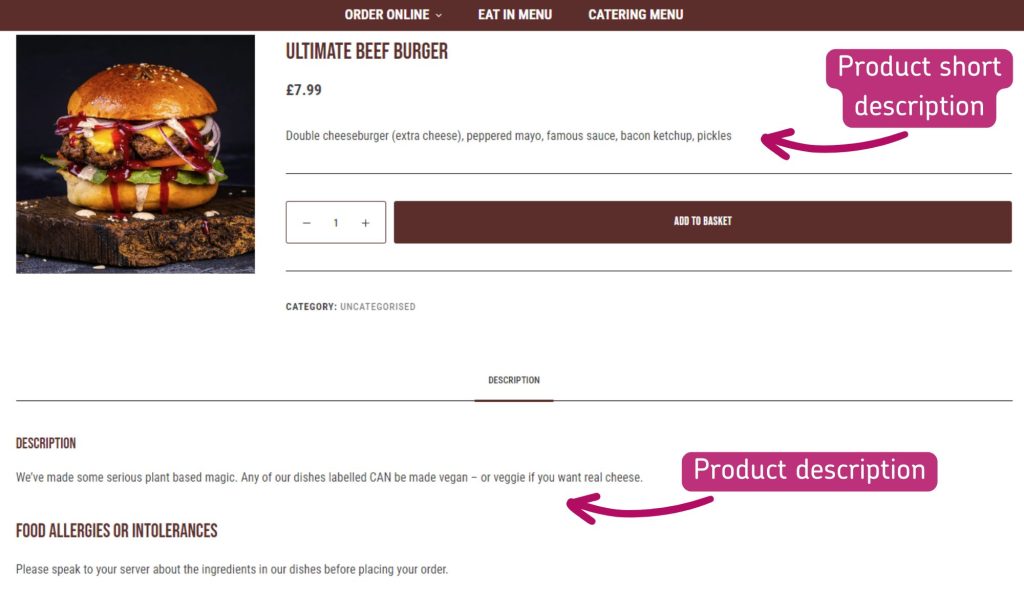
Next, add a long product description in the “Product description field“.
This product description will appear towards the bottom of the product page, and is often used for “further information” details about the product.
Step 3
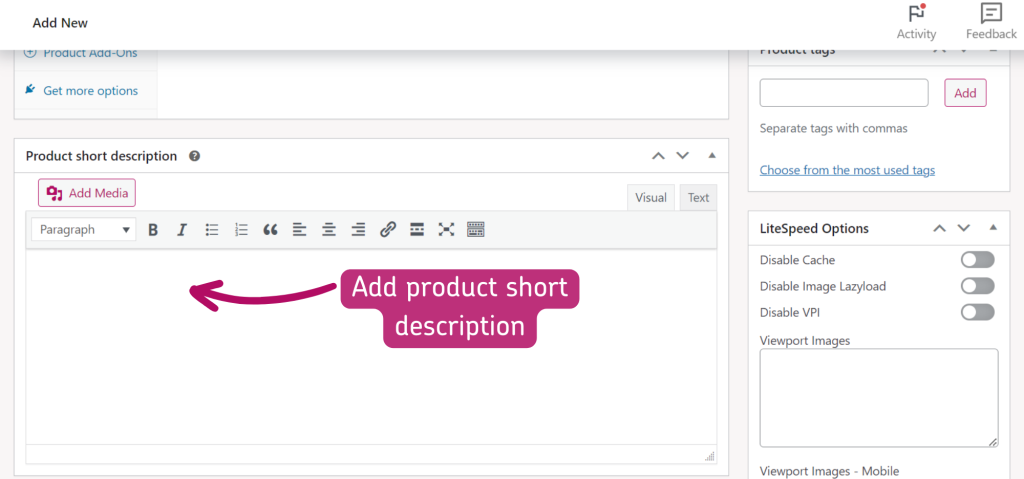
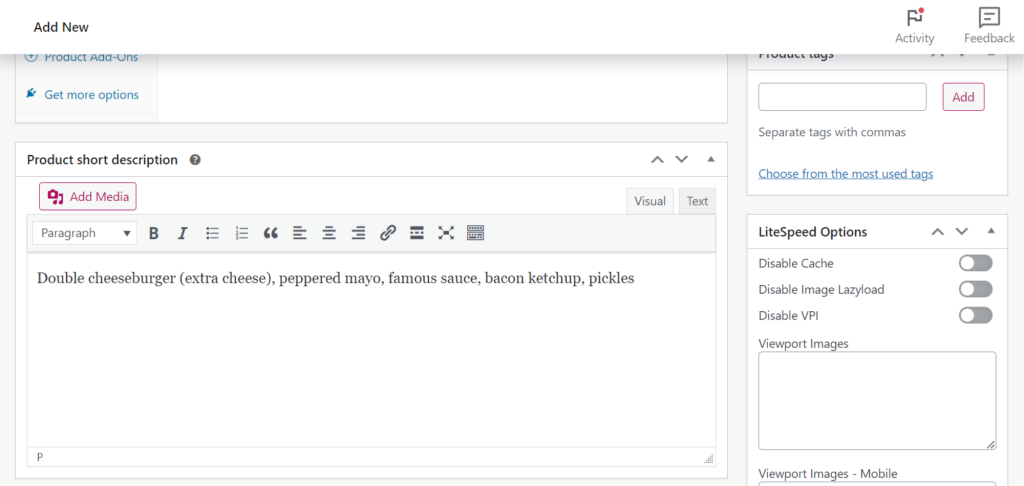
Next, scroll down the page and add your product short description to the “product short description” field.
This product description will appear towards the top of the product page, and is used as the brief summary of the product.
Step 4
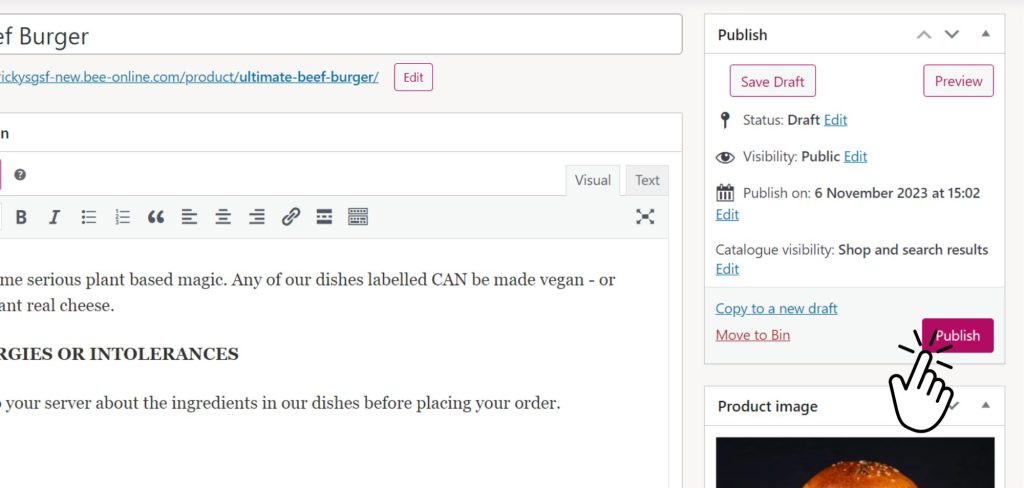
And that’s all your product descriptions added. Go ahead and hit your “Publish” button at the top of the page, and take a look at your product on the front end of your website.