What is a store notice?
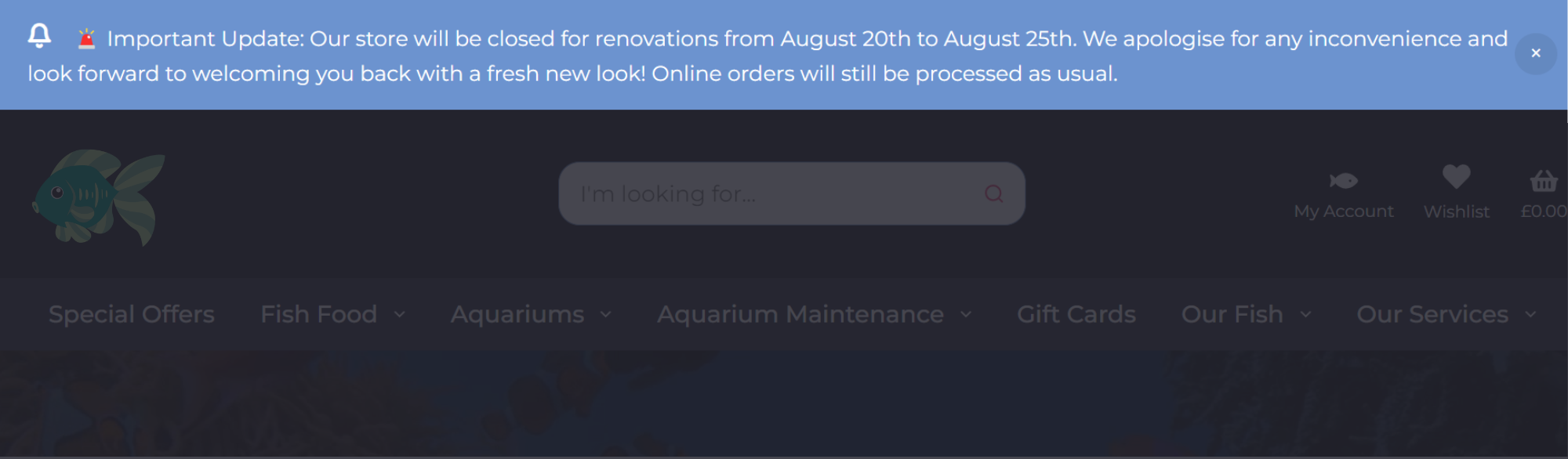
Adding a notice to your website is an effective way to highlight important information for your visitors. This notice can be displayed prominently at either the top or bottom of every page, ensuring it is seen by everyone who visits your site. Here’s how to do it:
Step 1
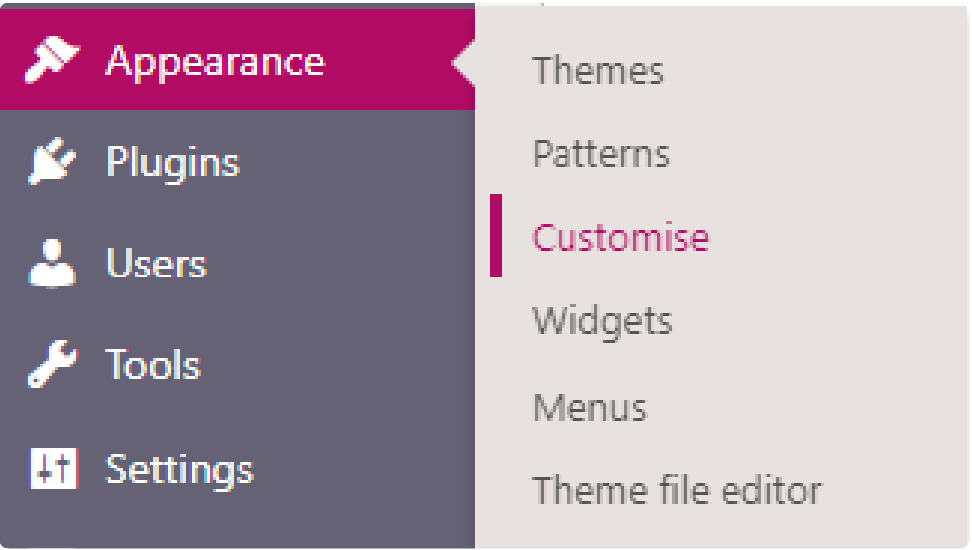
When logged into the admin area, you can easily access the customisation options by navigating to ‘Appearance → Customise’ using the menu on the left side of the screen.
Step 2
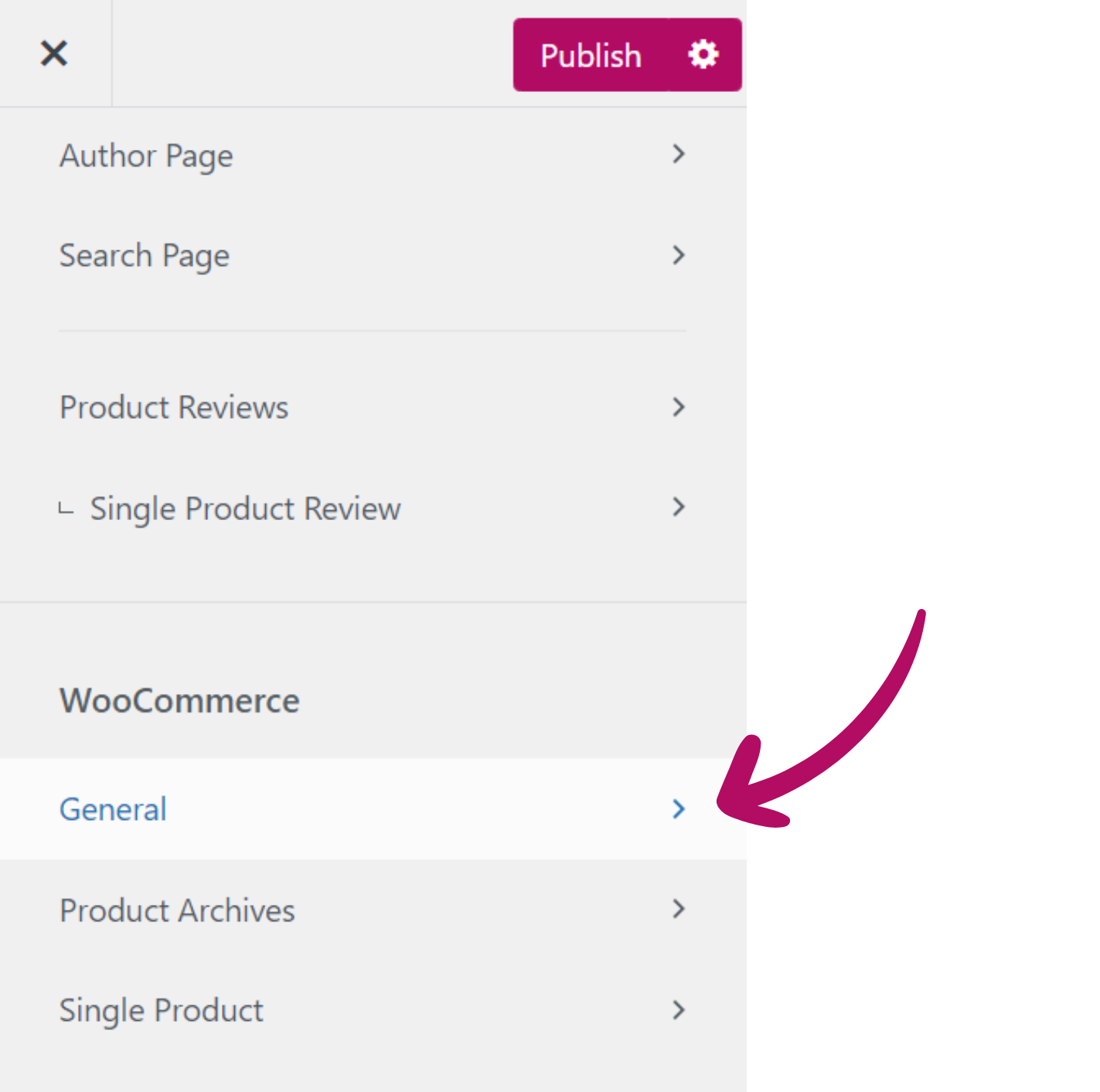
This will open a new page with another set of navigation options on
the left-hand side of the screen. From this menu, you will be able to
scroll down to a section labelled as ‘WooCommerce’ and choose
the Option for ‘General’.
Step 3
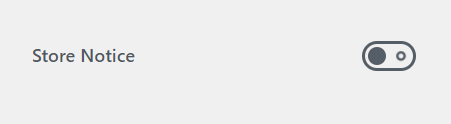
You will now see an option for ‘Store Notice’ at the bottom of the
list.
Note: This will need to be activated using the slider to access the
options for the notice
Step 4
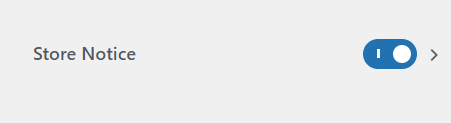
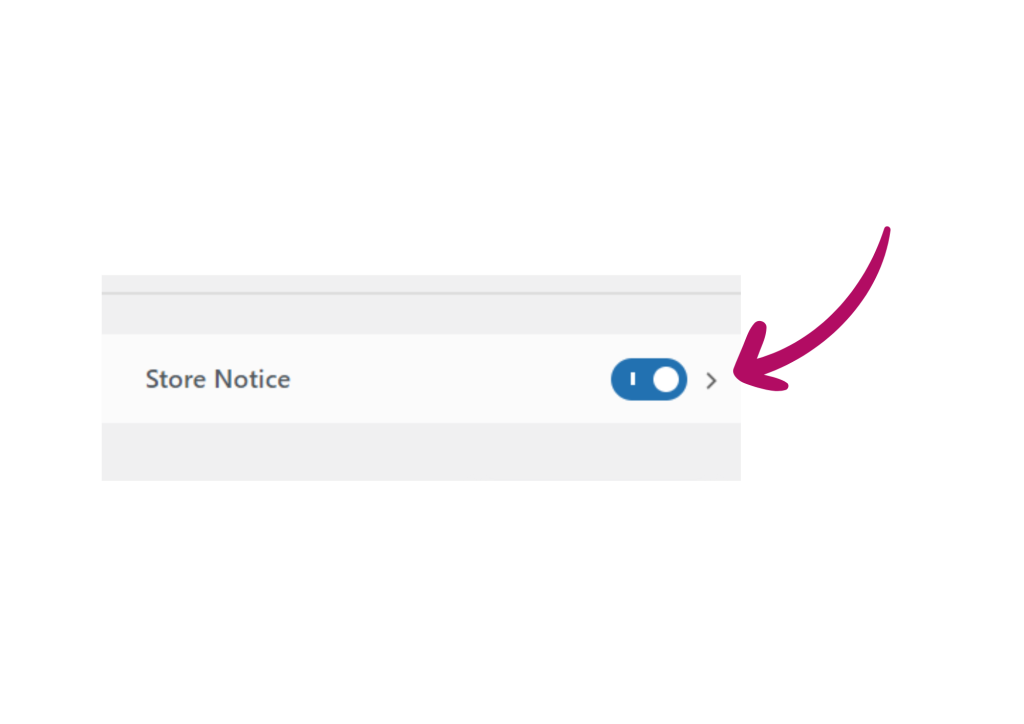
Once the slider has been activated, you will then be able to click the title ‘Store Notice’ to open a new set of, options.
Step 5
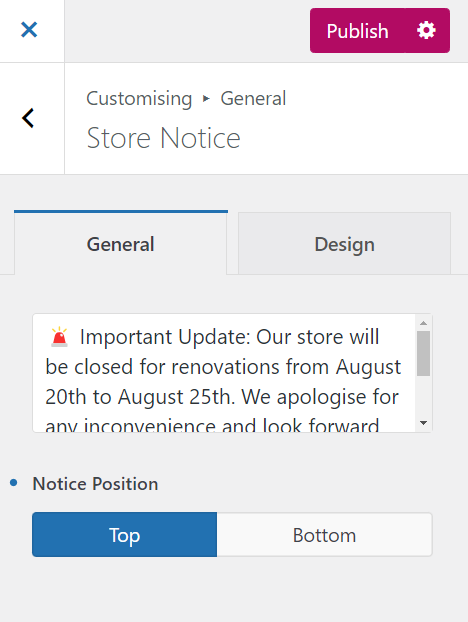
In this section, you’ll find a text box where you can enter the message that will be displayed to your customers on every page of your website.
- Notice Position: Use this option to choose whether the message appears at the top or bottom of the page.
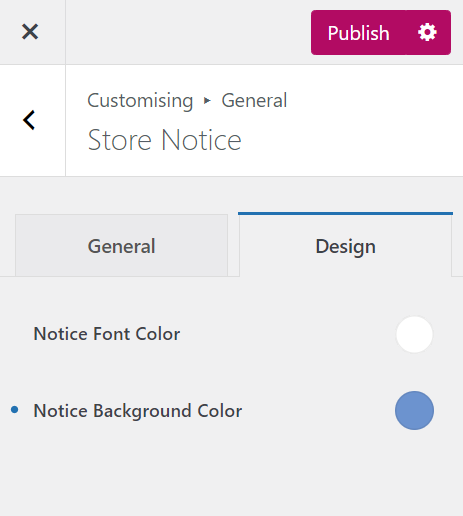
- Design Tab: Customize the appearance of the notice bar by changing the background color and font color. While default settings are provided, you can adjust them to better match your website’s design.
After configuring your options, click the purple ‘Publish’ button at the top of the page to apply your changes.