Step 1
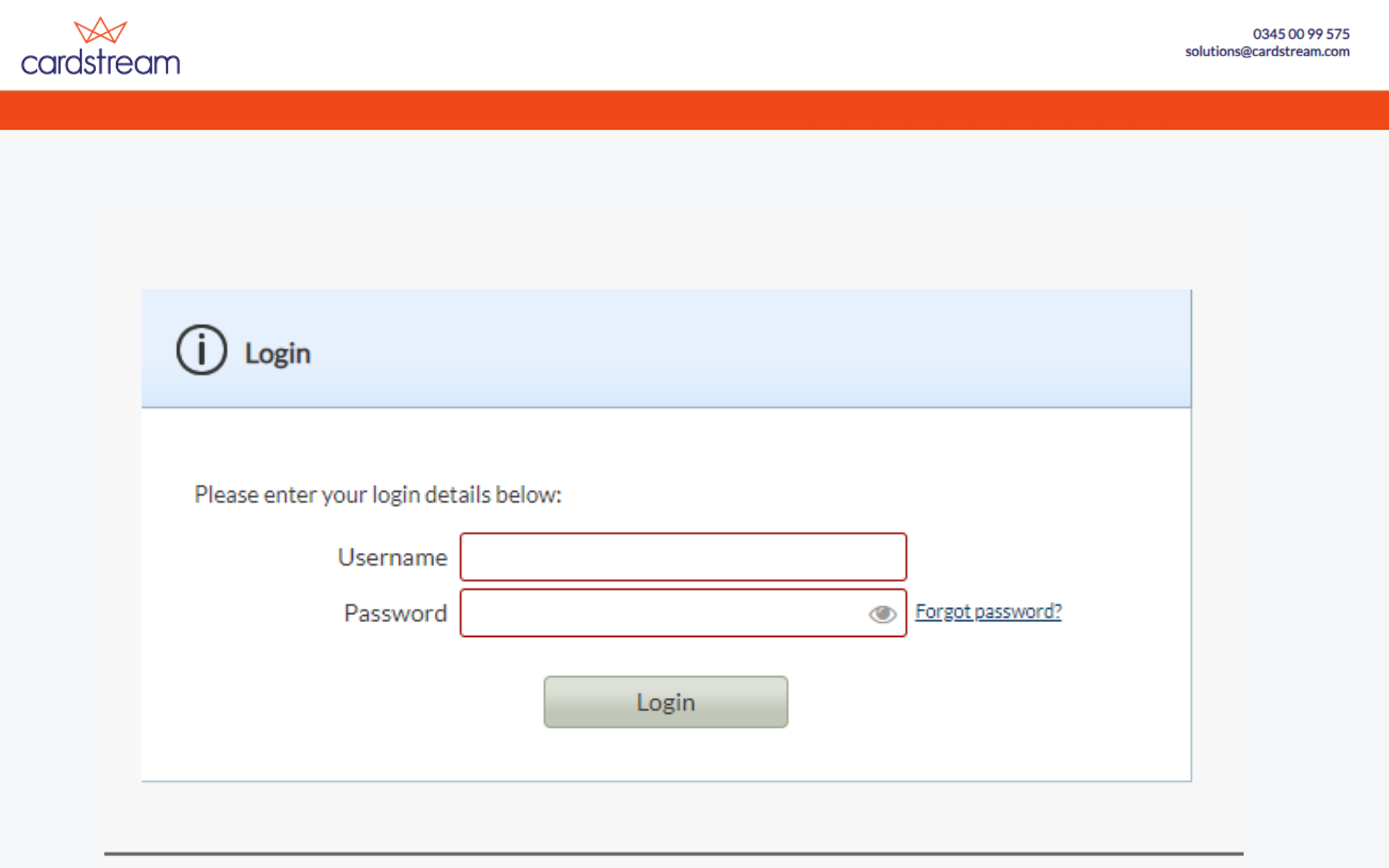
Log in to Cardstream using the credentials that you have been provided.
If you don’t have your login credentials, please contact us.
Step 2
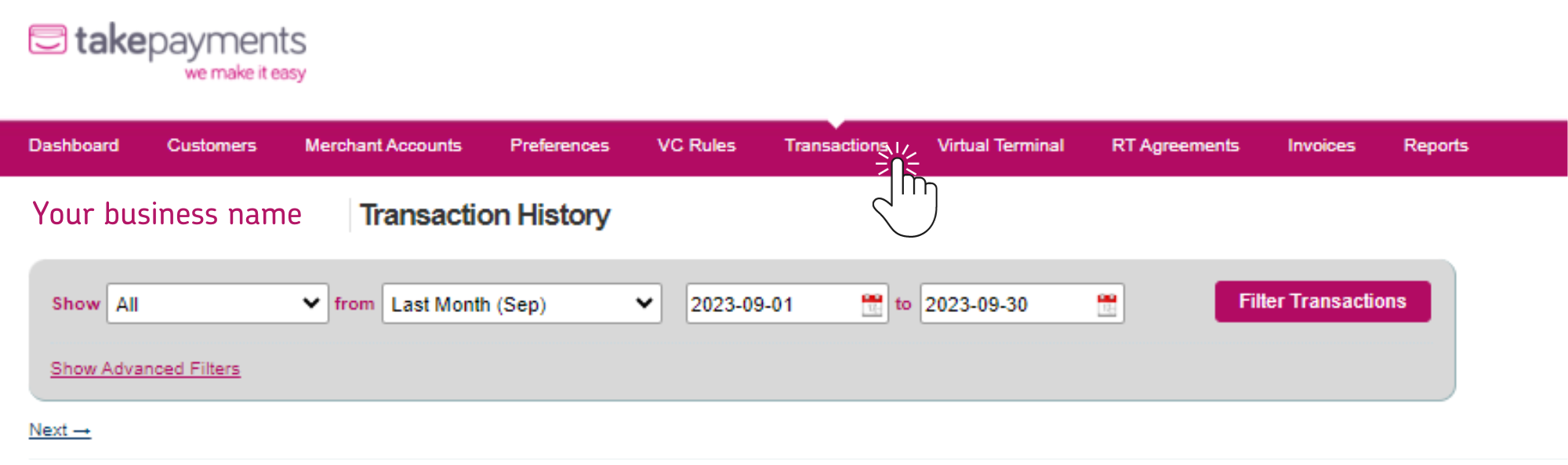
Once logged in, navigate to the “Transactions” tab.
Here you will be able to see a full list of all your website’s transactions.
Step 3
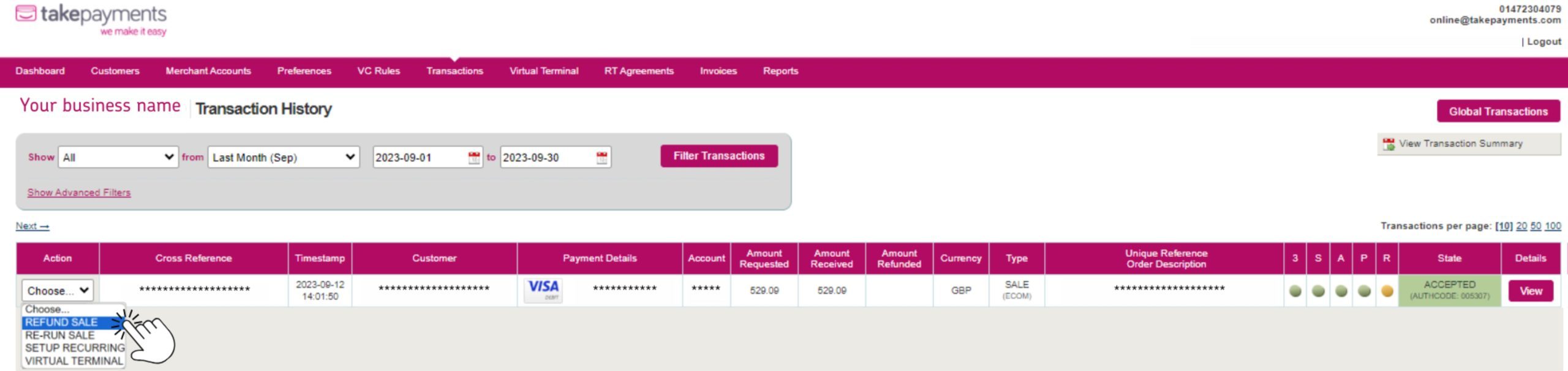
Locate the transaction you wish to refund. Once you have located the transaction, use the drop down on the left hand side and select “Refund Sale“.
Step 4
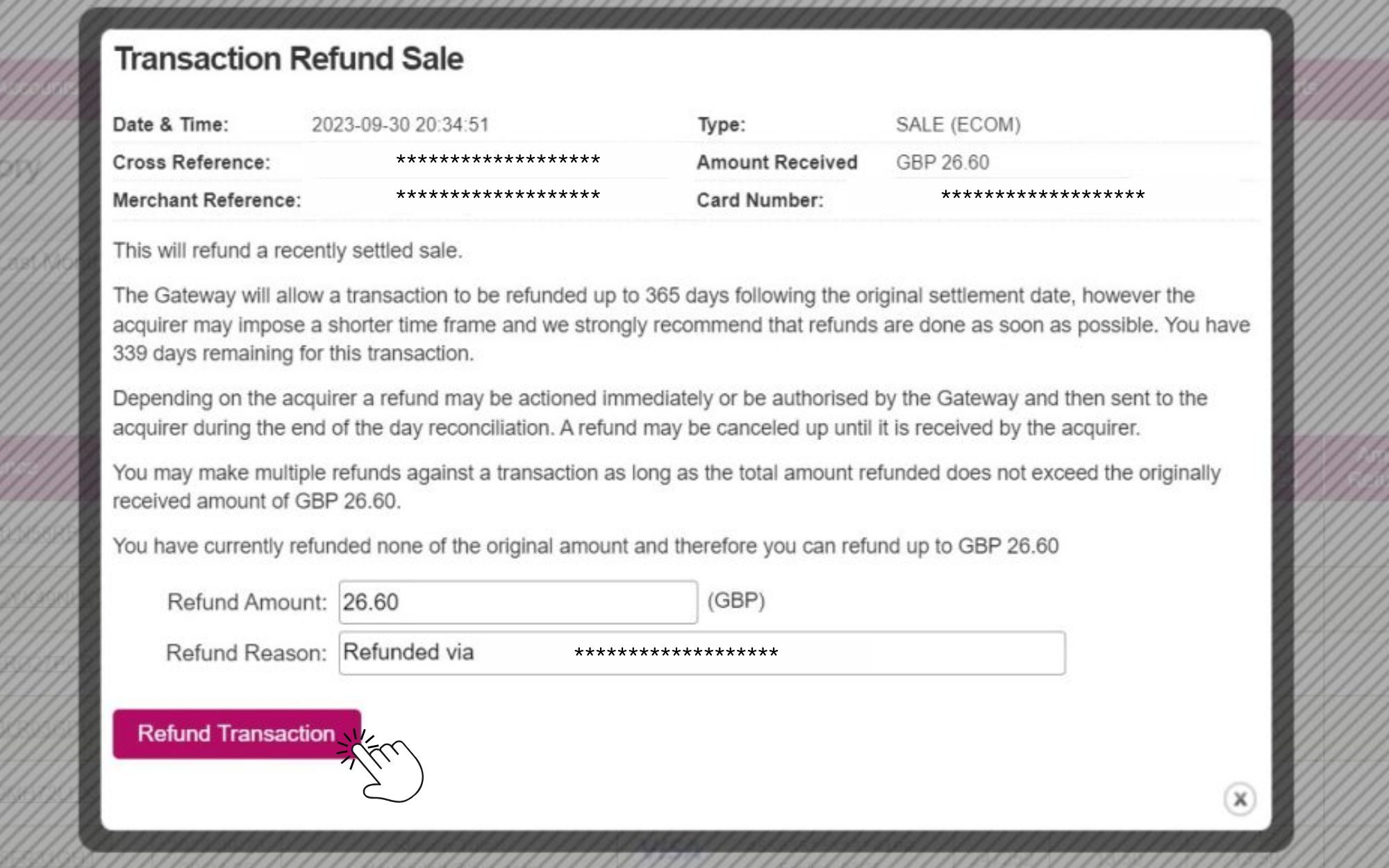
By selecting “Refund Sale” you will be presented with a pop up where you can enter the refund amount.
Once you have entered the refund amount, simply press the button “Refund Transaction“.
That’s it! You’re all set.